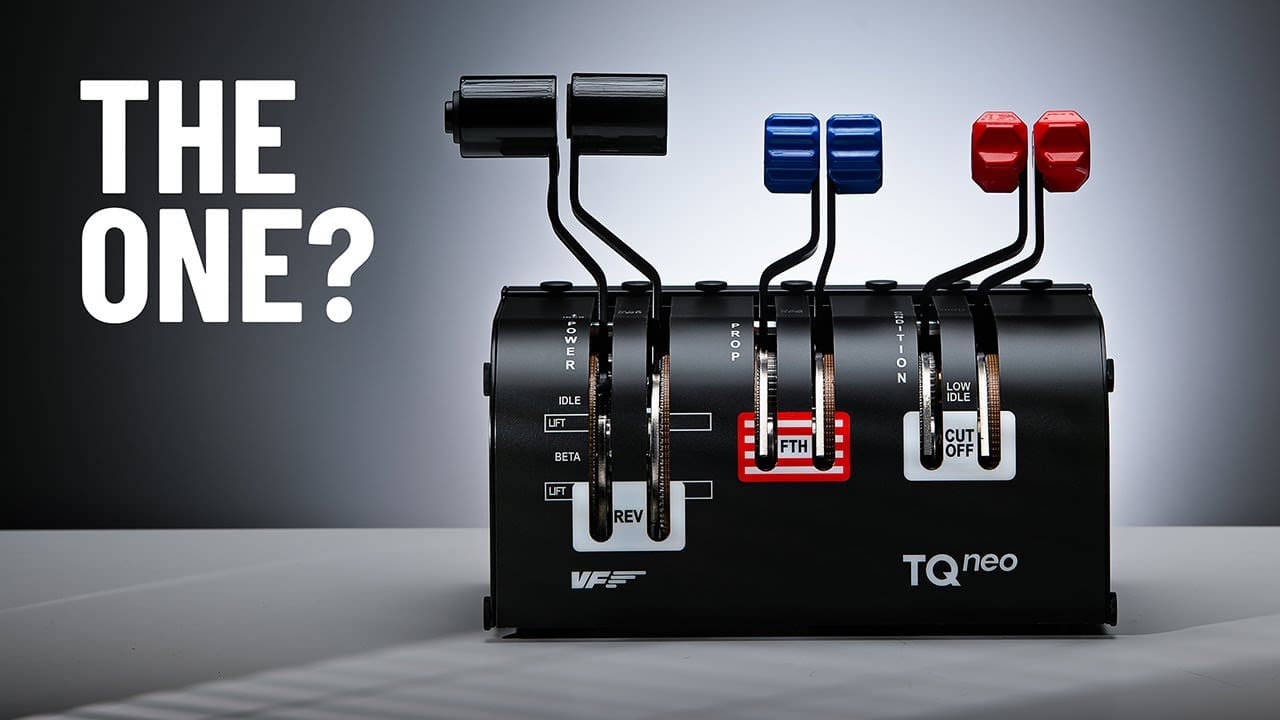
Virtual Fly TQ Neo Throttle Review

Steve | G-LOC MEDIA
Flight simulation enthusiast and YouTuber
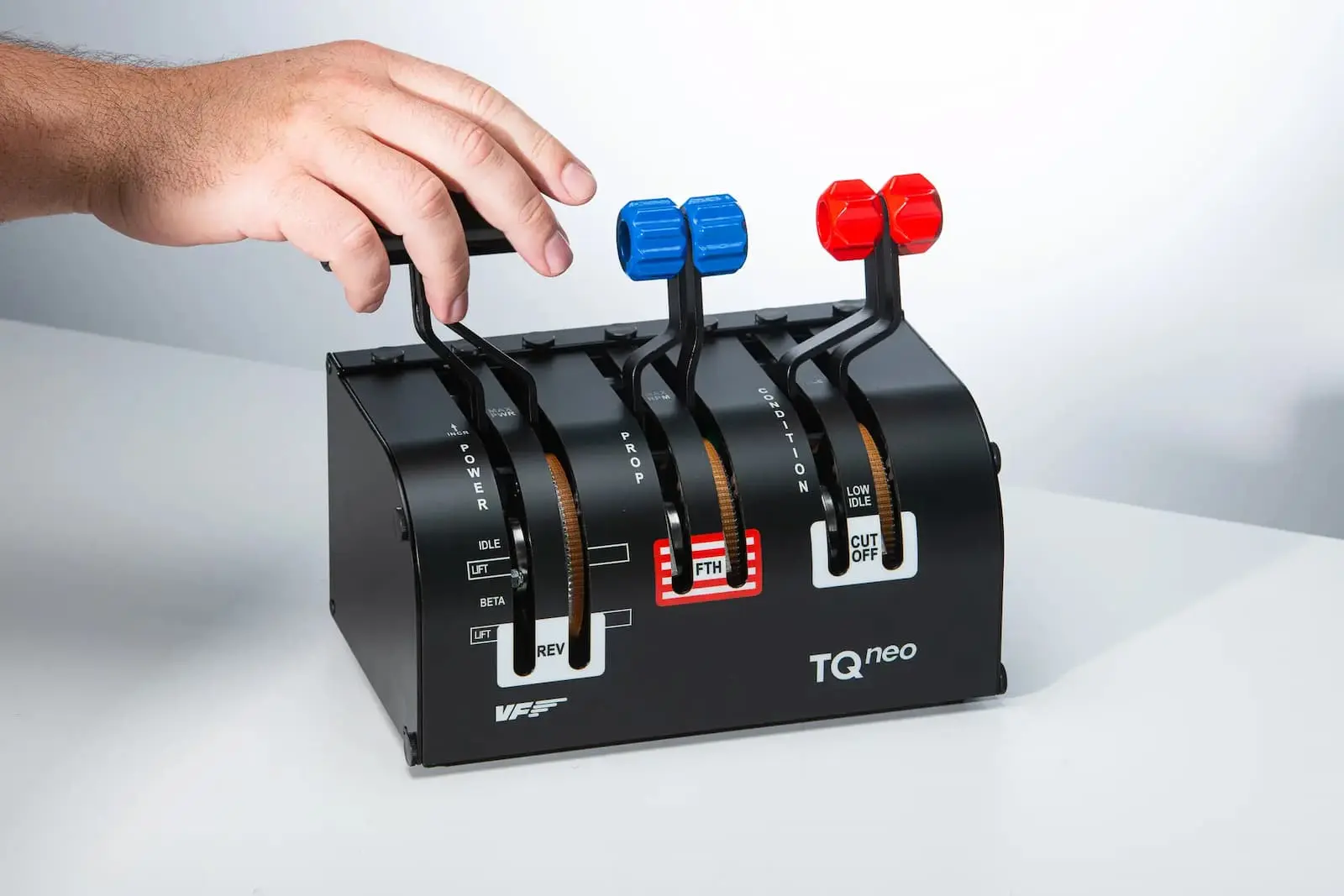
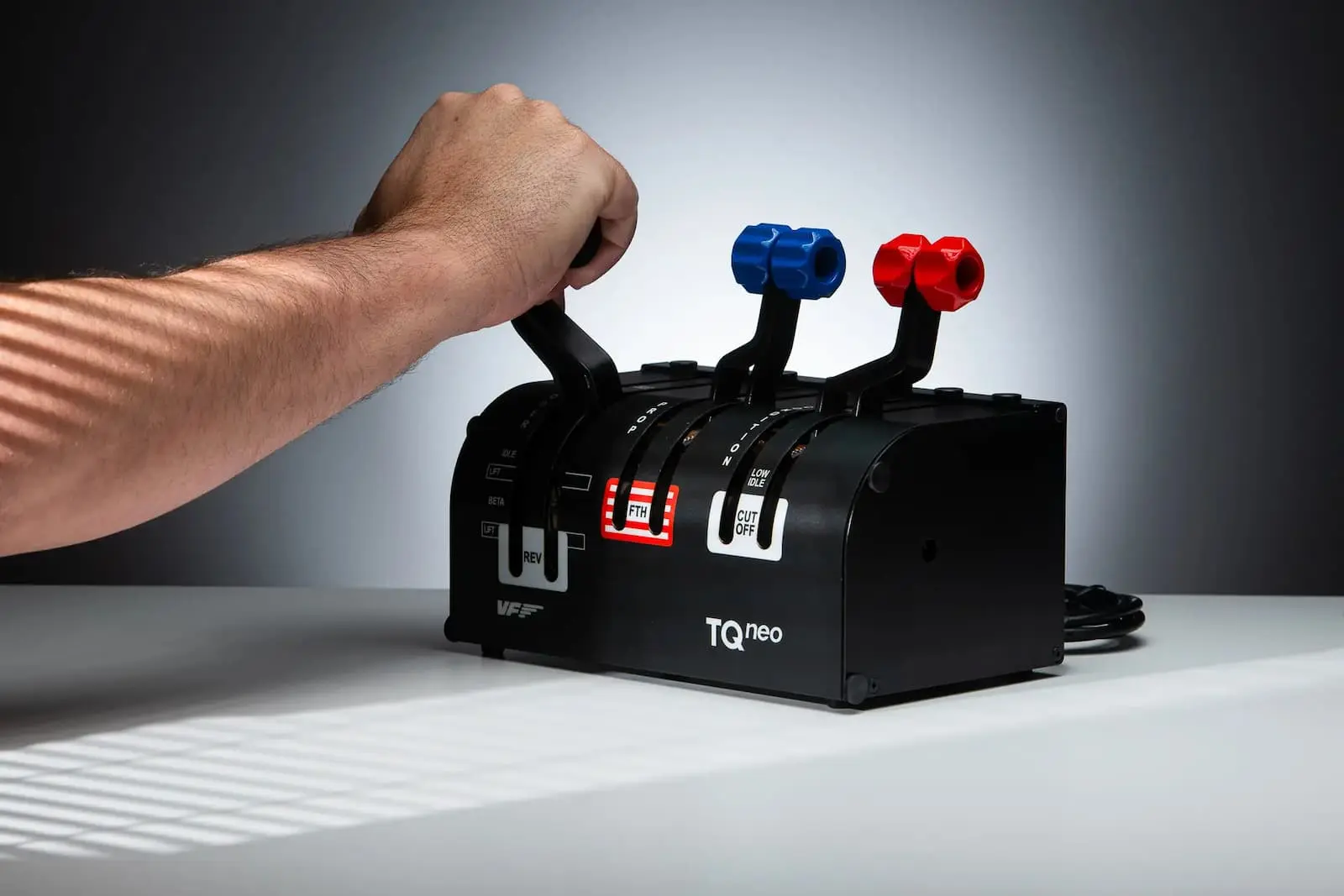
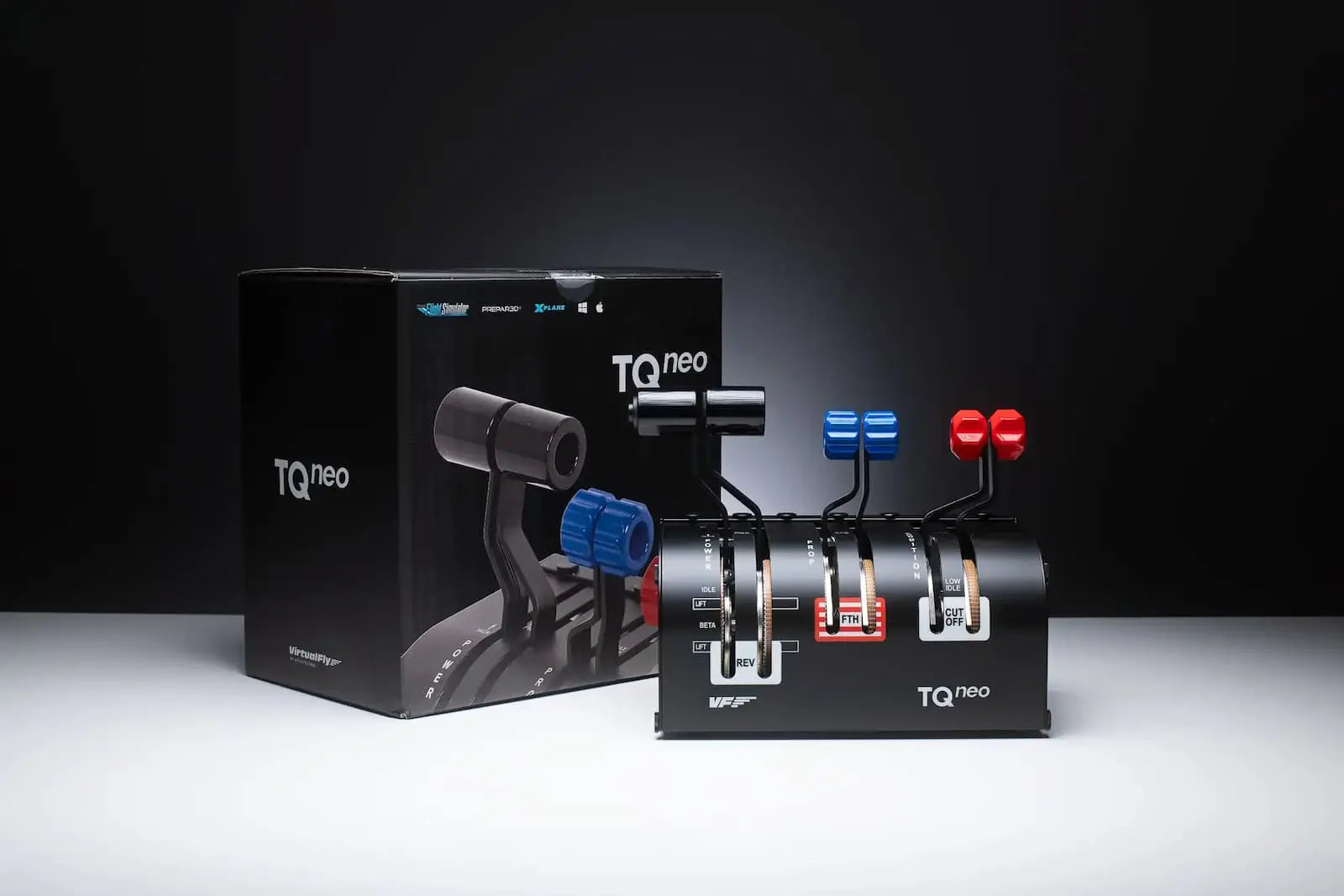
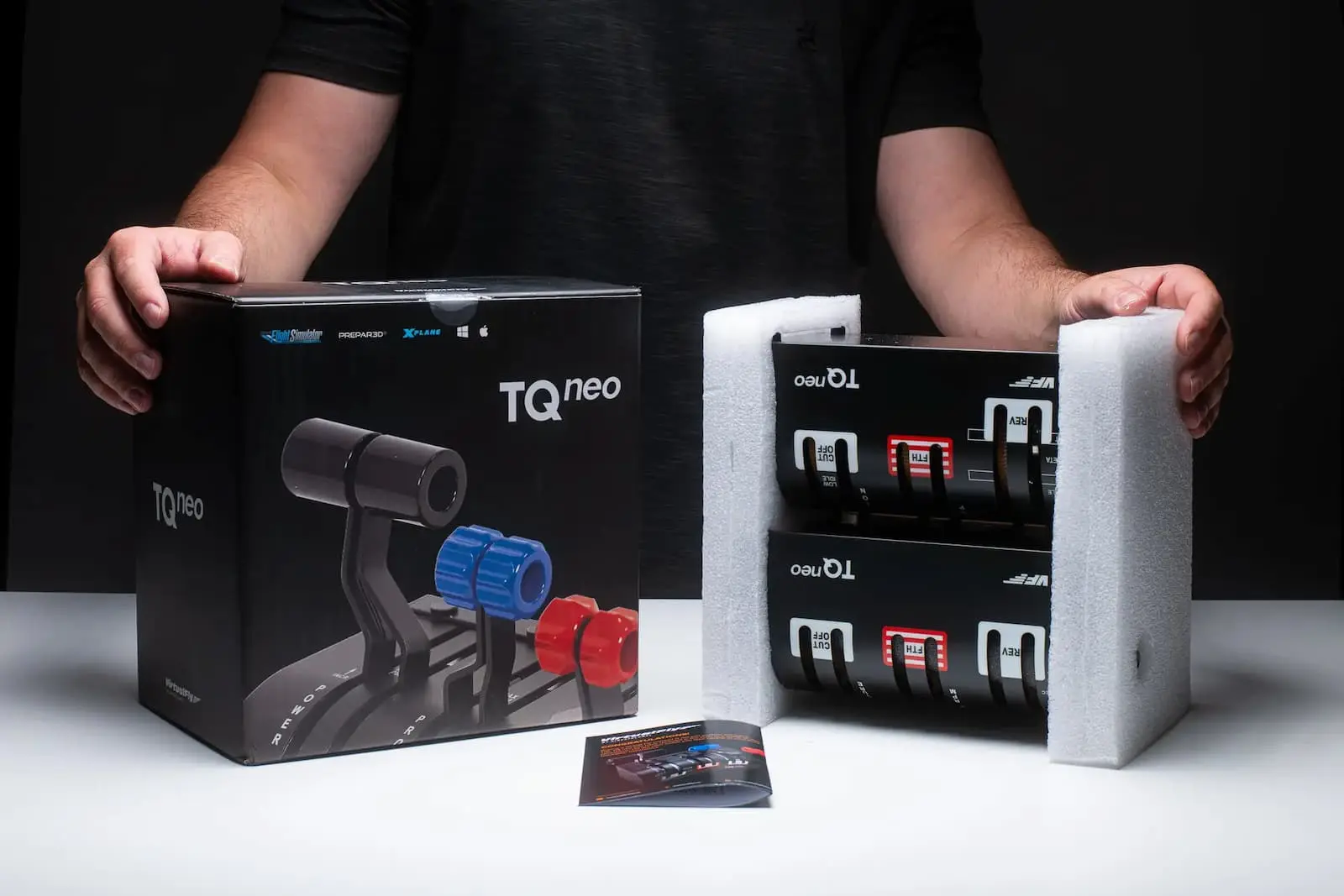
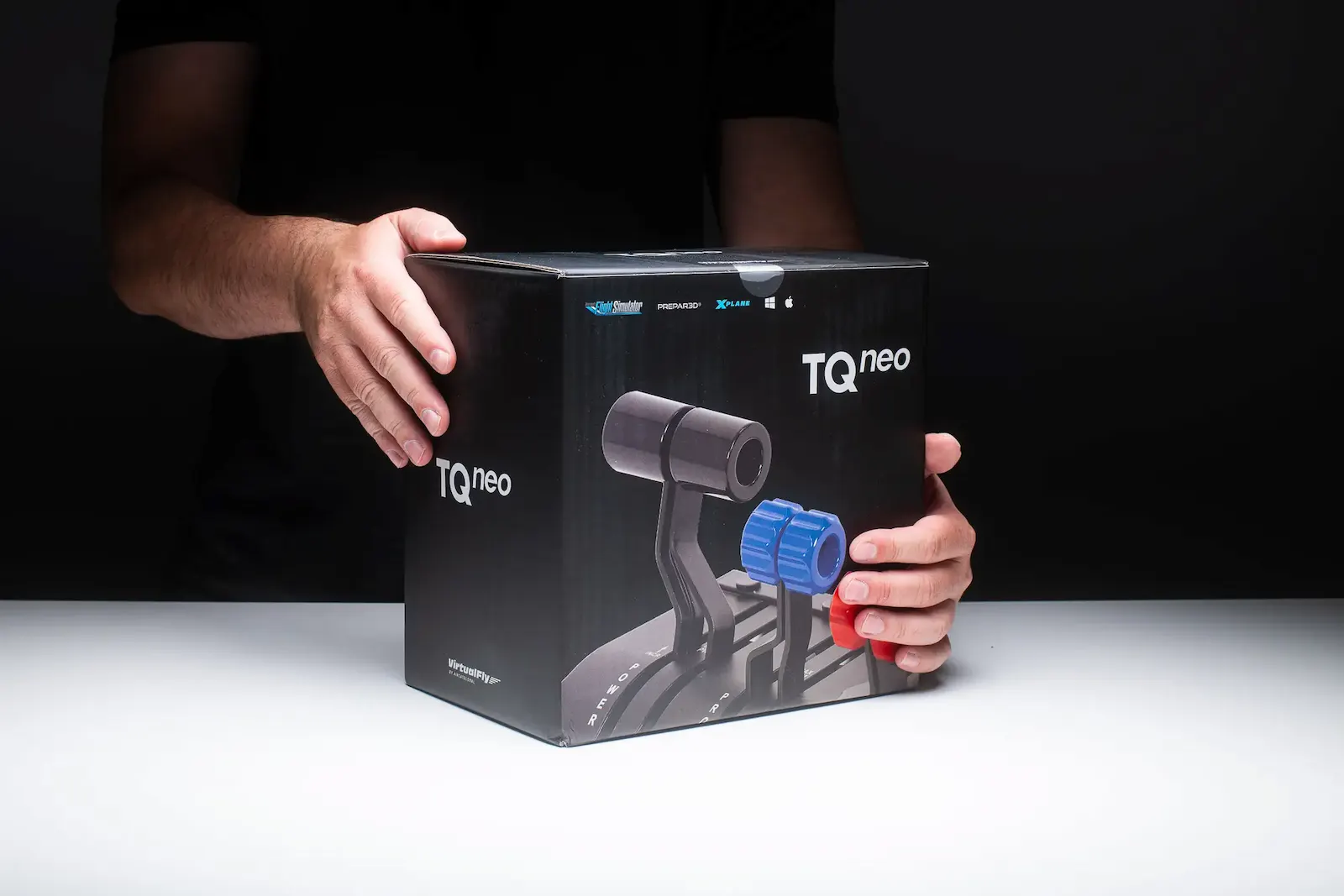
The Virtual Fly TQ Neo is about as close to the real thing as a GA flight sim throttle gets: Six levers, lift gates, strong detents, Hall Effect sensors, and a full metal build with a Swiss watch-like smoothness that you simply won't find anywhere near this price bracket. At over $1,700 USD the Virtual Fly TQ Neo is an enormous investment, and it's very specifically built for single and twin-engine piston and turboprop flying, so if you jump between aircraft types or fly jets it's probably not the right tool for you. But for the simmer who is fully committed to GA flying and wants the last throttle they'll ever need to buy, the Virtual Fly TQ Neo is genuinely hard to argue with.
Pros
- Exceptional full metal build quality - feels genuinely professional grade
- Incredibly smooth and precise lever action with Hall Effect sensors at 12-bit resolution
- Six levers with lift gates and strong detents for a truly authentic GA feel
- Adaptable for single and twin-engine modes with an interchangeable cover
- VF Hub software makes it plug-and-play with minimal calibration needed
- Compatible with MSFS, X-Plane, and P3D
- Realistically, the last GA throttle you'll ever need to buy
Cons
- At $1,700+ it's one of the most expensive throttles on the market by a long way
- Switching between single and twin-engine modes requires undoing screws - a bit cumbersome
- Very GA specific - not suited for jet aircraft or simmers who jump between aircraft types
- Mounting can be tricky on thinner desks
When it comes to premium flight simulator equipment, the Virtual Fly TQ Neo is amongst the top contenders, but does its quality justify the price? This GA-style flight simulator throttle, designed with single or twin-engine piston and turboprop aircraft in mind, is what you might call an investment for those serious about realism and immersion in their flight sim setups. In this post, we’ll explore what sets the TQ Neo apart from other flight simulator throttles and why its unique features make it a premium choice for dedicated flight sim enthusiasts.
A First Look at the TQ Neo Throttle
The Virtual Fly TQ Neo is a heavy-duty, metal-built flight sim throttle that delivers a feel of unmatched quality. Unlike consumer-grade throttles, this high-end model is crafted with top-of-the-line materials and a Swiss watch-like internal mechanism, providing an incredibly smooth and weighty feel. This isn’t a throttle for beginners; it’s tailored for simmers who value authenticity and are willing to invest in the ultimate flight sim experience.Key Features of the TQ Neo Flight Sim Throttle
The TQ Neo throttle offers a range of features designed to create a realistic and immersive GA flight experience:Six Levers and Adaptable Design
The TQ Neo is equipped with six levers and an interchangeable cover, making it adaptable for both single-engine piston and twin-engine turboprop modes. Whether you’re flying a Cessna 172 or a Beechcraft Bonanza, you can swap modes to suit your aircraft.
Lift Gates and Detents
The throttle levers feature lift gates for different power modes and strong detents for prop, feather, and fuel condition settings, adding to the tactile authenticity of each adjustment.
VF Hub Software Integration
Virtual Fly has developed the VF Hub software to enhance plug-and-play functionality with the TQ Neo. With this software, the throttle becomes a seamless part of your simulator, although you must run the software every time you hop into the sim. Switching modes easy and requiring minimal calibration.
High-Precision Hall Effect Sensors
The levers use hall effect sensors with a 12-bit resolution for precise control. The TQ Neo throttle’s responsiveness and smoothness, especially compared to consumer throttles, make it feel professional-grade and incredibly accurate.
Compatibility and Mounting Options
The TQ Neo is compatible with major flight simulators like Microsoft Flight Simulator, X-Plane, and P3D. The mounting system, though slightly challenging for thinner desks, is built for stability and offers mounting holes for a secure setup on any compatible surface.
Build Quality and Design – A Closer Look
One of the TQ Neo’s biggest selling points is its robust build quality. The throttle is crafted with solid metal construction and finished with a matte, high-end paint, making it visually striking and durable. The lever action is smooth and precise, with each movement feeling deliberate and substantial, setting a new standard in flight simulator throttle build and design.Downsides of the TQ Neo
Despite its high-end appeal, the TQ Neo isn’t without drawbacks:Price
At over $1,700 USD, the TQ Neo is one of the most expensive throttles on the market. It’s geared towards professional users or flight sim enthusiasts with a passion for extremely high-quality gear.
Switching Between Modes
The process of changing from single-engine to twin-engine mode is slightly cumbersome, requiring the user to undo screws on the back of the unit. This can take a few minutes and might deter users who frequently switch between aircraft types.
Not Ideal for Jet Aircraft
Designed for GA-style aircraft, the TQ Neo isn’t as adaptable for jets. Users who want versatility across different aircraft types may find this throttle less suitable and should elsewhere.
Is the TQ Neo Worth It?
For the dedicated flight sim enthusiast who prioritizes realism and quality, the Virtual Fly TQ Neo is a dream come true. The build quality and attention to detail justify the high price tag, especially for those who appreciate premium equipment that feels solid and looks stunning in any setup. For users looking for a lifelong investment in flight sim hardware, the TQ Neo is hard to beat.However, if you’re on a budget or just starting with flight simulators, a more affordable throttle like the Honeycomb Bravo might be a better fit as it’s more feature rich and will get you a fair way.
Final Thoughts
The Virtual Fly TQ Neo represents the pinnacle of flight simulator throttles for GA aircraft, with impeccable build quality and unparalleled realism. While it may not be necessary for every simmer, those looking to elevate their experience with professional-grade equipment will find the TQ Neo to be an impressive addition to their setup.Whether you’re building a realistic, FAA-certified sim cockpit or simply appreciate high-end gear, the TQ Neo delivers in spades. If you’re serious about GA flight simulation, the TQ Neo might just be the last throttle you’ll ever need.
Frequently Asked Questions
Affiliate Disclosure: Some links on this page are affiliate links. If you click and make a purchase, I may earn a small commission at no extra cost to you. I only recommend products I personally believe in.